How to Start Your First Campaign With Venture SMS
From first message to first send: the five steps that take you from curious to a live campaign, with nothing technical in between.
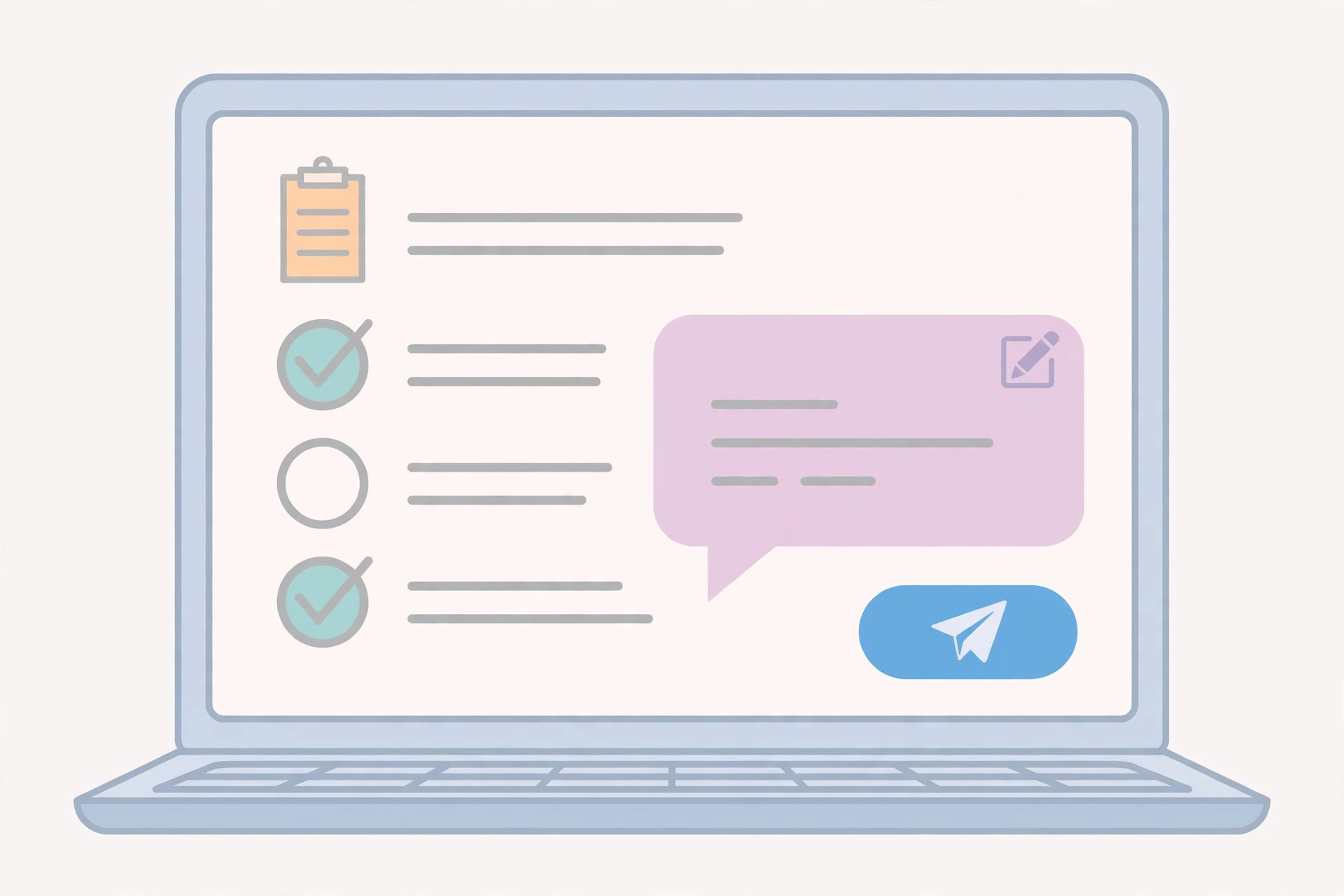
Starting your first campaign sounds like a project. With Venture SMS it is closer to a conversation. You message the team, you see a demo, you pick how you want to pay, and then you send your message and your list.
This article walks through those steps in order, so you know exactly what happens before, during, and after your first send.
Step 1: Ask for a demo
Everything starts on WhatsApp. Message Venture SMS and say you need a demo. The team shows you how the panel looks, how a campaign runs, and how replies and the live report appear.
The demo is also your chance to ask questions. If you are unsure which package fits, or whether your message will work for your customers, ask there. It is easier to get the answers before you pay than after.
Step 2: Pick a package
You buy a message package in PKR: 3,000 messages for PKR 2,999, 10,000 for PKR 6,999, 30,000 for PKR 14,999, 50,000 for PKR 19,999, and 100,000 for PKR 26,999. Pick the one that matches how many people you want to reach.
To order, tap Buy Now on the pricing section. It opens WhatsApp with the package and price prefilled, and the team arranges it.
Step 3: Write your message
Write the message the way you would speak to a customer. Start with your business name, say what is on offer, and end with one clear next step — reply, visit, order, or book.
Keep it short. One offer per message is easier to act on than three. If you are unsure about the wording, ask the team during the demo or before the send; a second pair of eyes often catches the one line that confuses people.
Steps 4 and 5: Share your list, then watch the panel
Next, share the list of people you want to reach. These should be people who have a reason to hear from you — past customers, people who asked for updates, or people who gave you their number. Sending to people who never asked to hear from you gets more complaints and fewer replies.
Once the campaign goes out, open the panel. The live report shows what has been sent, and replies come back there too. Your job after sending is the most important one: answer the replies while the customers are still interested.
Frequently asked questions
How long does it take to start?
The demo and setup are a conversation, not a project. Most people go from first message to first campaign quickly once they have their message and list ready.
What do I need before my first campaign?
A message, a list of people to reach, and a message package. That is all.
How do I choose a package?
Multiply your list size by the number of campaigns you plan, and pick the package that covers the total. If you are testing, start with the 3,000-message package for PKR 2,999.
What happens after the send?
You watch the live report in the panel and answer the replies that come back.
Ready to try it?
Ask for a demo on WhatsApp first, then pick the package that fits how many people you want to reach.
Buy a package on WhatsApp: 3,000 — PKR 2,999 · 10,000 — PKR 6,999 · 30,000 — PKR 14,999 · 50,000 — PKR 19,999 · 100,000 — PKR 26,999