How Venture SMS Works: No API, Just Messages That Go Out
Venture SMS sends your WhatsApp messages through its own numbers, then shows you replies and a live report in the panel. Here is the whole process, end to end.
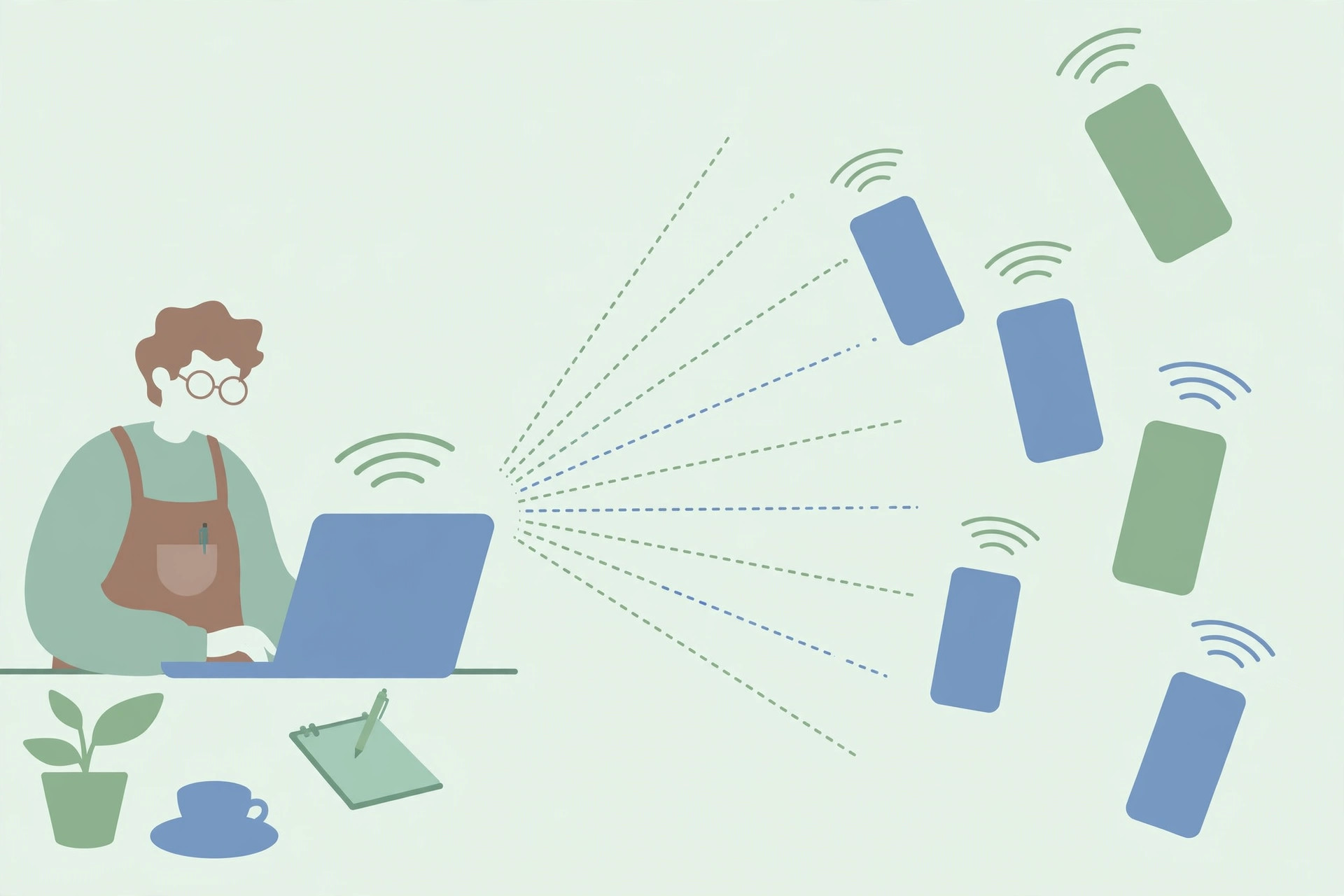
Venture SMS is a simple idea. You have customers you want to reach on WhatsApp. Instead of sending thousands of messages from your own number, Venture SMS sends them through its own numbers, and you watch what happens in the panel.
There is no WhatsApp API to set up, no code to write, and no software to install. You ask for a demo, you pick a message package, you share your message and your list, and the sending is handled for you.
The short version
First, you message Venture SMS on WhatsApp and ask for a demo. The team shows you how the panel looks and how a campaign runs. If you decide to go ahead, you choose one of the message packages.
Then you send your message text and the list of people you want to reach. Venture SMS sends the messages through its own numbers. While the campaign runs, the panel shows you a live report, and customer replies come back to the panel too.
Why it does not use the WhatsApp API
The official WhatsApp API is a different kind of product. It needs a business to apply, get approved, connect software, and pay per message. That is the right route for some companies, but it is slow and technical for a shop, a school, or a small brand that just wants to tell customers about an offer.
Venture SMS takes the other route. Because messages go out from Venture SMS numbers, you never touch the API at all. You do not need a developer, you do not wait for approval, and you do not pay per message on top of your package.
What you see while a campaign runs
The panel is where the campaign becomes visible. It shows a live report of what has been sent, so you are not guessing whether your messages went out. As customers reply, those replies appear in the panel as well, so one place holds both the sending and the answers.
This matters more than it sounds. A campaign is only useful if you can follow up. When a customer asks about price, timing, or availability, you see the question in the panel and answer it yourself, while the conversation is still warm.
What Venture SMS does and does not do
Venture SMS sends your messages, shows you the live report, and shows you replies. It does not run your business for you: you write the message, you choose who receives it, and you answer the customers who write back.
That division is deliberate. You know your customers and your offer. Venture SMS handles the part that is hard to do by hand — getting a large number of messages out without putting your own number on the line.
Frequently asked questions
Do I need the WhatsApp API to use Venture SMS?
No. Venture SMS does not use the WhatsApp API. Messages are sent through Venture SMS numbers.
Do I need to install anything?
No. There is nothing to install. You arrange everything over WhatsApp and follow the campaign in the panel.
Where do customer replies go?
Replies come back to the panel, alongside the live report for your campaign.
How do I start?
Message Venture SMS on WhatsApp and ask for a demo. The team will walk you through the panel and the next steps.
Ready to try it?
Ask for a demo on WhatsApp first, then pick the package that fits how many people you want to reach.
Buy a package on WhatsApp: 3,000 — PKR 2,999 · 10,000 — PKR 6,999 · 30,000 — PKR 14,999 · 50,000 — PKR 19,999 · 100,000 — PKR 26,999