
Appointment Confirmations vs Reminders: What to Send and When
A confirmation and a reminder do two different jobs. The confirmation locks the booking in right after it is made; the reminder protects the slot shortly before it happens. Sending both, in that order, cuts no-shows.
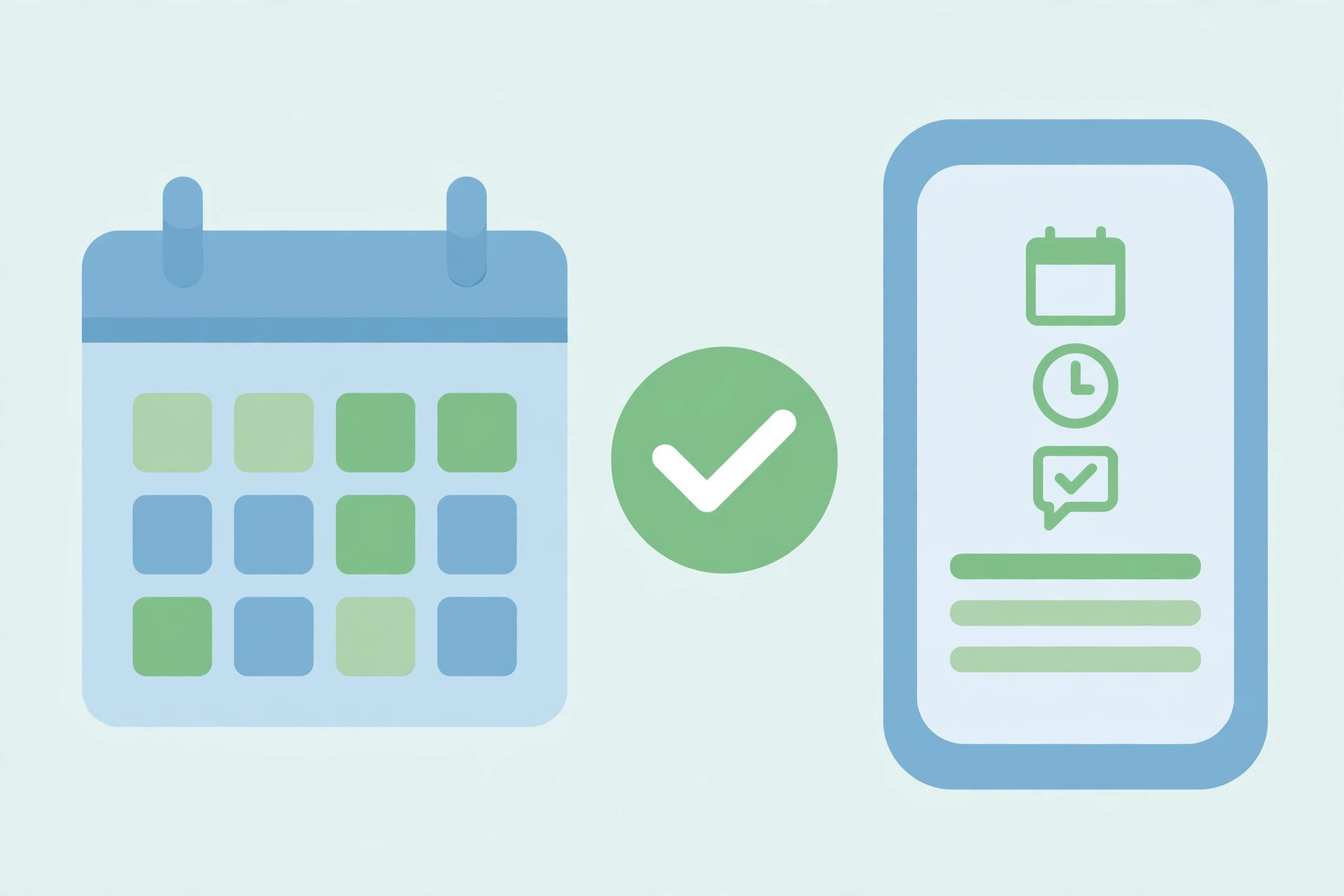
Short answer: send a confirmation the moment the booking is made, and a reminder shortly before the appointment. The confirmation proves the booking exists. The reminder makes sure the customer still plans to come. Businesses that send only one of them lose bookings the other one would have saved.
This article explains what each message should contain, when to send it, and how to handle the replies — the reschedules, the confirmations, and the cancellations — so your day runs on a diary you can trust.
The confirmation locks the booking in
Send the confirmation within minutes of the booking, while the customer still remembers making it. It should contain the full detail: the service, the date, the time, and the place. A clinic confirming a check-up, or a salon confirming a haircut, should put all four facts in the message, because the customer will search for this message later when they need the details.
End the confirmation with a simple action: reply to confirm, or reply to change. When the customer replies, the reply comes back to the panel, and you answer the replies yourself — a confirmed booking is a booking you can plan around, and a booking that gets a correction early is a booking that does not become a no-show later.
The reminder protects the slot
Send the reminder close enough to the appointment that it is still fresh when the customer acts — the day before for most services, the morning of for same-day bookings. The reminder should be shorter than the confirmation. Repeat the date and time, and ask for one reply: still coming, or need to reschedule.
Timing matters more than wording here. A reminder sent three days early is forgotten by the appointment day. A reminder sent an hour before is too late to fill the slot if the customer cancels. The day before is the honest middle ground for most clinics, salons, and tutors, and it leaves you time to offer the freed slot to someone on the waiting list.
Two messages, two tones
The confirmation should sound certain and complete, because its job is to remove doubt. The reminder should sound friendly and light, because its job is to nudge without nagging. A confirmation that reads like a reminder leaves the customer unsure whether the booking is real. A reminder that reads like a formal letter feels cold for a routine visit.
Keep both messages free of anything the customer does not need. Do not add offers, announcements, or news to a confirmation or a reminder. A customer looking for their appointment time should find it in the first line, not after a paragraph about a new service.
When a reply changes the plan
Replies to these messages are usually short: confirmed, running late, need to reschedule, cannot come. Treat each one as a diary update, not a conversation. A confirmation reply means the slot is safe. A reschedule reply means you should offer two new times at once, so the customer picks one instead of starting a long back-and-forth. A cancellation reply means the slot is free, and the waiting list should hear about it quickly.
Venture SMS sends through its own numbers — never yours — so appointment replies never disturb your personal phone, and the panel keeps every reply in one place where your staff can see it. Sending is steady, not blasted out in one instant, so a day full of confirmations and reminders stays orderly. If you want this setup for your own bookings, message Venture SMS on WhatsApp and ask for a demo.
Frequently asked questions
Do I need both a confirmation and a reminder?
Yes. The confirmation proves the booking exists; the reminder, sent the day before, makes sure the customer still plans to come.
When should the reminder go out?
The day before for most services, or the morning of for same-day bookings — close enough to be fresh, early enough to refill a cancelled slot.
Will customers see my own number on these messages?
No. Messages are sent through Venture SMS's own numbers — never yours — and your number never sends the campaign.
Does Venture SMS use the WhatsApp API?
No. Venture SMS does not use the WhatsApp API. Nobody logs into your WhatsApp.
Ready to try it?
Ask for a demo on WhatsApp first, then pick the package that fits how many people you want to reach.
Buy a package on WhatsApp: 3,000 — PKR 2,999 · 10,000 — PKR 6,999 · 30,000 — PKR 14,999 · 50,000 — PKR 19,999 · 100,000 — PKR 26,999