How the Free Demo Works Before You Pay
Before you spend anything, you can see the panel and how a campaign runs. Here is what the demo shows and what to ask during it.
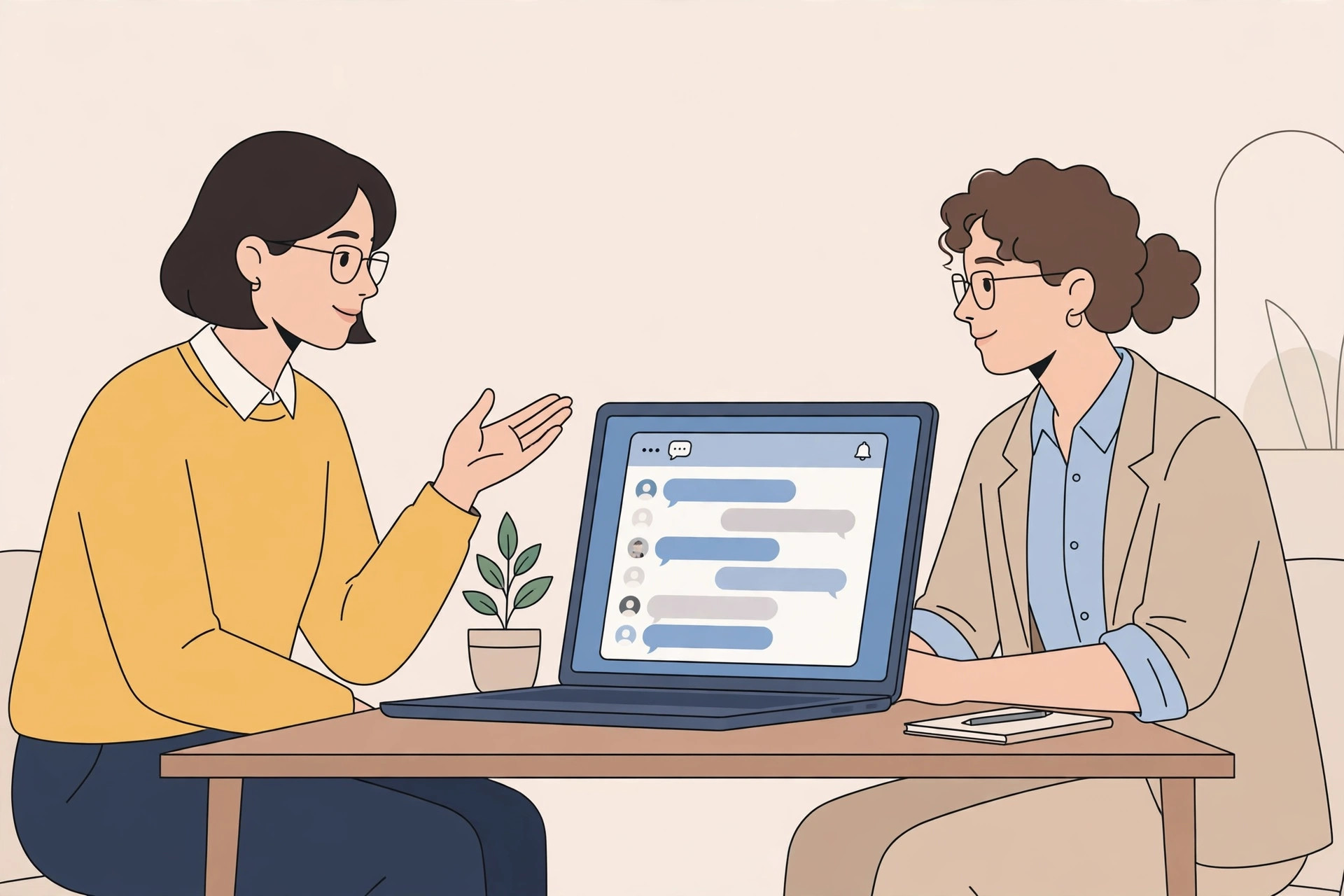
Buying a messaging service without seeing it first is a gamble. That is why Venture SMS starts with a demo: you see the panel and how a campaign runs before you pay anything.
The demo is a walkthrough, not a sales script. You watch how things work, you ask your questions, and then you decide. This article explains what the demo covers so you can get the most out of it.
How to ask for a demo
Message Venture SMS on WhatsApp and say you need a demo. That is the whole process. The team will arrange the walkthrough and show you the panel and the campaign flow.
Come with one thing in mind: what you want to use the service for. A shop announcing a sale, a school sending reminders, and a clinic confirming appointments all use the same service in slightly different ways, and the demo is more useful when it matches your case.
What the demo shows you
The demo shows you the panel: where the live report lives, where replies appear, and how a campaign moves from message and list to send. You will see the same view you would use after buying.
It also shows you the order of work: message first, list second, sending third, replies after. If any part of that order is unclear, the demo is the time to ask.
What to ask during the demo
Ask about the package that fits your size. If you reach a few hundred people, your needs are different from a business reaching tens of thousands, and the team can point you to the right option.
Ask about your message too. Read your draft out loud during the demo and ask whether it is clear. A message that makes sense to you can still confuse a customer, and a small change before sending is worth more than a correction after.
What happens after the demo
After the demo, you decide. If you go ahead, you pick a message package, share your message and list, and your first campaign is arranged.
If you are not ready, nothing happens. There is no obligation from watching a demo, and you can come back when your message and list are ready.
Frequently asked questions
How do I ask for a demo?
Message Venture SMS on WhatsApp and say you need a demo.
Does the demo cost anything?
No. The demo is a walkthrough before you pay anything.
What should I prepare for the demo?
Have your use in mind — what you want to send and to whom — and bring a draft of your message if you have one.
Do I have to buy after the demo?
No. The demo is there so you can decide with a clear picture of how the service works.
Ready to try it?
Ask for a demo on WhatsApp first, then pick the package that fits how many people you want to reach.
Buy a package on WhatsApp: 3,000 — PKR 2,999 · 10,000 — PKR 6,999 · 30,000 — PKR 14,999 · 50,000 — PKR 19,999 · 100,000 — PKR 26,999