How to Send the Same Message to Two Different Lists
Short answer: run your message as two separate campaigns — one per list — so the panel shows a separate live report for each audience and the replies stay sorted.
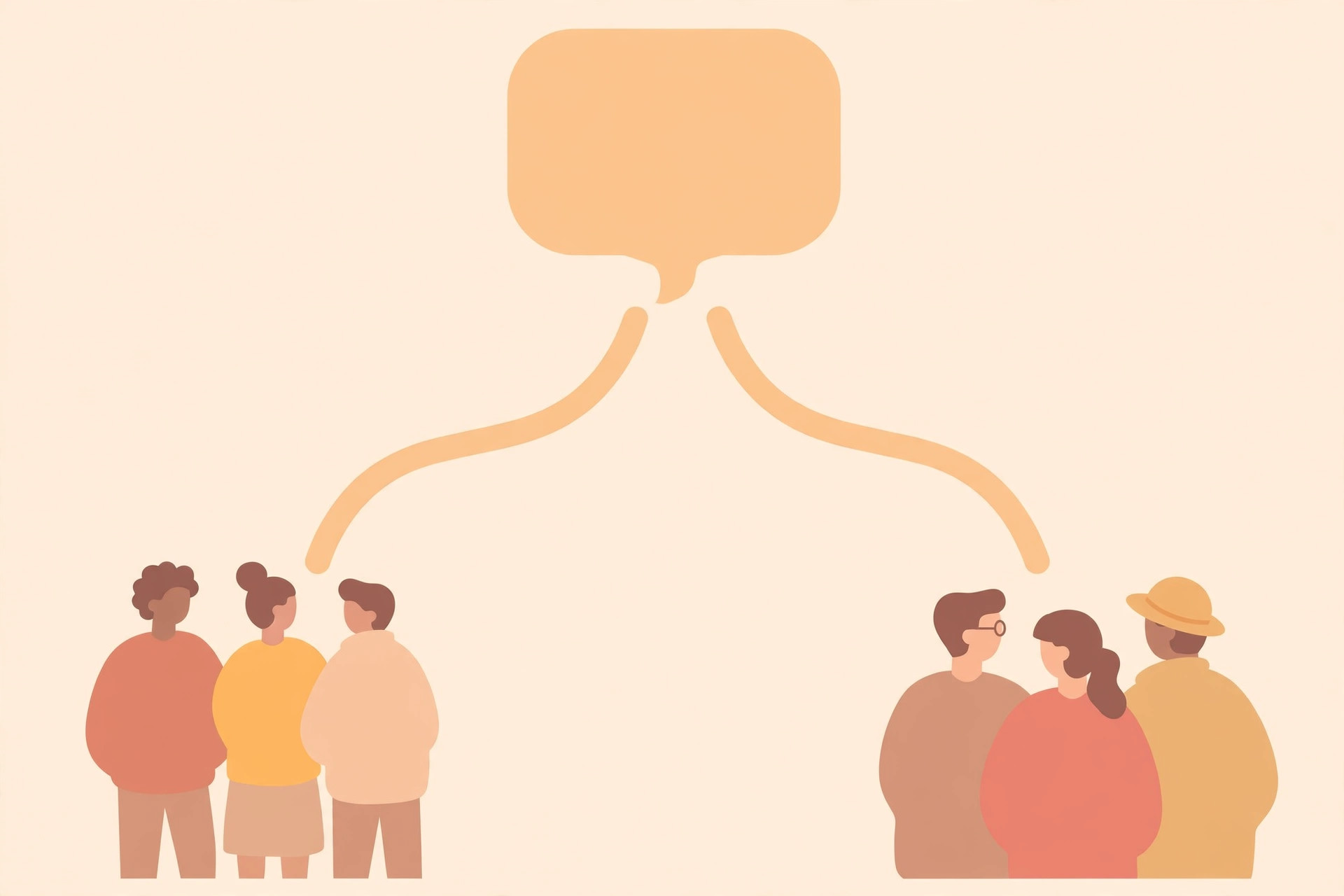
Short answer: send your message as two campaigns — one for each list. The panel then shows a separate live report for each, and the replies stay sorted by audience. One message, two sends, twice the clarity.
This article explains when one message fits two audiences, how the team sets it up, and why separate reports beat one mixed report. A school, a shop, or a clinic often has two crowds who need the same words — here is how to reach both cleanly.
When one message fits two audiences
Sometimes the same words serve two different crowds. A school announcing admissions speaks to current parents and to old students' families. A shop announcing a sale speaks to regulars and to contacts collected at a stall. The message is identical; what it means to each group is different.
In that case, do not merge the lists. Two lists sent as two campaigns keep everything honest: you know which audience answered, which one stayed quiet, and what to do differently next time. Mixing them would blur exactly the lesson you need.
How the team sets it up
You share two labeled lists and one message. The team sends the message to the first list, then to the second — each at the same steady pace, not blasted out in one instant. Both sends run through Venture SMS's own numbers — never yours.
Nothing about your side changes. You write the message once, share two lists, and watch two live reports climb in the panel. Nobody logs into your WhatsApp at any point.
Why separate reports matter
After both sends, the panel shows you which audience answered more. Maybe the regulars replied with orders while the new contacts stayed silent — that tells you the new contacts need a warmer first message next time. One mixed report could never teach you that.
Replies come back to the panel grouped by campaign, and you answer the replies yourself. Answering is easier too: you know whether you are talking to a regular or a stranger, and you can match your tone to each.
One caution: don't double-send
Before you share the lists, check that nobody appears in both. A customer who gets the same message twice in one day will assume something went wrong — and they will be right. A quick overlap check saves an awkward apology.
Clean lists, one message, two campaigns, two reports. That is the whole method. If you want to see how two-list sending looks in the panel before you commit, message Venture SMS on WhatsApp and ask for a demo.
Frequently asked questions
Do I pay twice for sending to two lists?
No. You pay per message sent — count both lists toward your package, with no setup fees, no per-message fees, and no API costs.
Will the second list know about the first?
No. Each campaign is separate, and every customer only sees the message itself.
Can the two lists get slightly different messages?
Yes — that is just two normal campaigns. Adjust the greeting or the offer for each audience.
What if someone is on both lists?
Remove the overlap first so nobody receives the same message twice.
Ready to try it?
Ask for a demo on WhatsApp first, then pick the package that fits how many people you want to reach.
Buy a package on WhatsApp: 3,000 — PKR 2,999 · 10,000 — PKR 6,999 · 30,000 — PKR 14,999 · 50,000 — PKR 19,999 · 100,000 — PKR 26,999