How to Tell When a Message Failed to Deliver: Reading Report Signals
Short answer: the panel's live report marks every message's status as it goes out — messages that could not reach their number stand out clearly, and most failures come from wrong or inactive numbers, not from the sending.
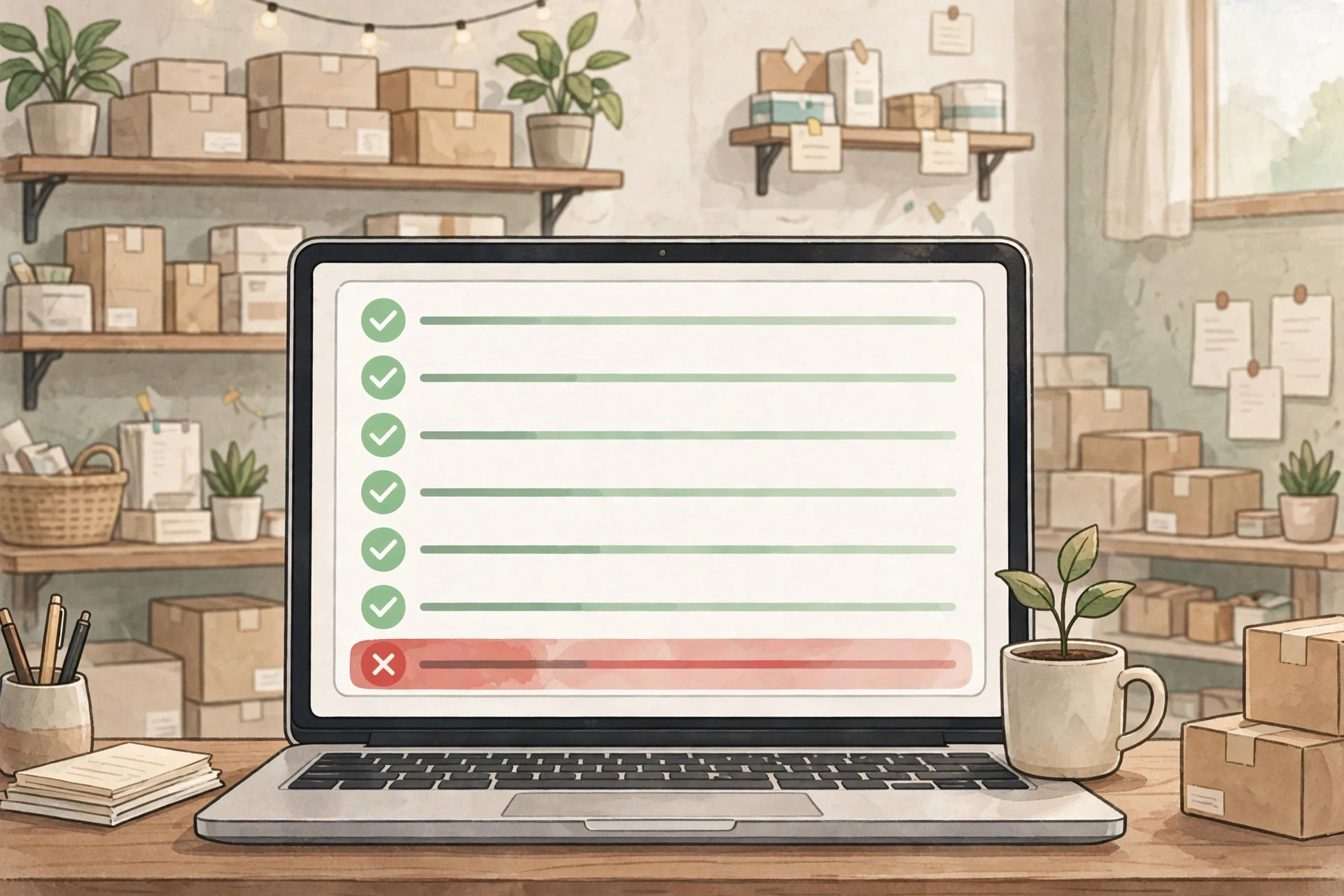
Short answer: the panel's live report marks every message as it goes out, and the ones that could not reach their number stand out clearly. Most failed deliveries have nothing to do with the sending itself — they come from wrong numbers, numbers that changed hands, or accounts that are no longer active.
This article shows you what the report's signals actually mean, why some messages never arrive, and how to clean your list after a campaign.
What the live report shows you
The panel shows a live report of your campaign as it sends: which messages went out, and what came back for each one. Think of it as a roll call — every number on your list gets a mark, and the marks tell you whether the message reached its phone. You do not need to understand technology to read it; the report is built for shopkeepers, not engineers.
The important habit is simple: open the report after the send and look at the marks before you do anything else. A campaign is not finished when the last message leaves — it is finished when you have read the report and noted what it told you. The report is the campaign's memory.
The signals that a message did not deliver
A failed delivery shows up plainly in the report: the message has no delivery confirmation, and the mark beside it tells you so. These are not mysteries to decode — the report labels them. What you are looking for is the pattern: one failed delivery is a fluke, fifty failed deliveries in a row is a list problem.
Watch especially for clusters. If the failures all come from one batch of numbers — say, the counter-collection list from last Eid — the batch itself is the problem, not the sending. Sending is steady, not blasted out in one instant, so a real sending problem would touch the whole list, not one corner of it.
Why messages fail: the three usual reasons
Almost every failure is one of three things. Wrong numbers: a digit mistyped at the counter, and the message went nowhere. Changed numbers: the customer switched SIMs months ago and never told the shop. Inactive accounts: the number exists but nobody opens WhatsApp on it anymore. None of these are your fault — but all of them are your list's problem.
What failures are not: proof that the sending is broken, or that WhatsApp blocked the message. Messages are sent through Venture SMS's own numbers — never yours — with paced, steady sending, so your number is never exposed to the sending patterns that get numbers flagged. When a message fails, suspect the number, not the service.
Clean the list after every send
Here is the routine that keeps a list healthy: after every campaign, remove the numbers that failed. Not 'try them once more' — remove them. A wrong number will still be wrong next month, and an inactive account rarely wakes up. Every failed number you remove means your next package reaches more real customers per message.
Keep the cleaned numbers in a separate note, not in the main list. A list that shrinks by fifty dead numbers and grows by a hundred fresh ones is a list going in the right direction. To see the live report for yourself before committing, message Venture SMS on WhatsApp and ask for a demo.
Frequently asked questions
Does a failed delivery mean my message was blocked?
Usually not — most failures are wrong, changed, or inactive numbers. The sending runs steady through Venture SMS's own numbers, so suspect the number before suspecting the service.
Can a failed message be re-sent to the same number?
If the number was wrong, a re-send fails the same way. Fix the number first — then it is worth sending to.
Should I delete failed numbers from my list?
Yes, after every campaign. Dead numbers cost you messages that could reach real customers — remove them and grow the list with fresh ones.
Does a failed delivery hurt my own WhatsApp number?
No. Your number never sends the campaign, so it is never exposed to the sending patterns that get numbers flagged — failed deliveries touch only the list, never you.
Ready to try it?
Ask for a demo on WhatsApp first, then pick the package that fits how many people you want to reach.
Buy a package on WhatsApp: 3,000 — PKR 2,999 · 10,000 — PKR 6,999 · 30,000 — PKR 14,999 · 50,000 — PKR 19,999 · 100,000 — PKR 26,999